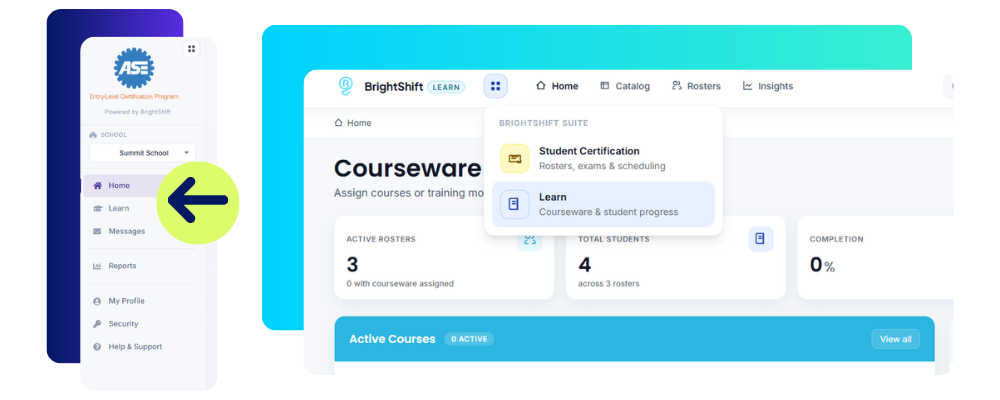
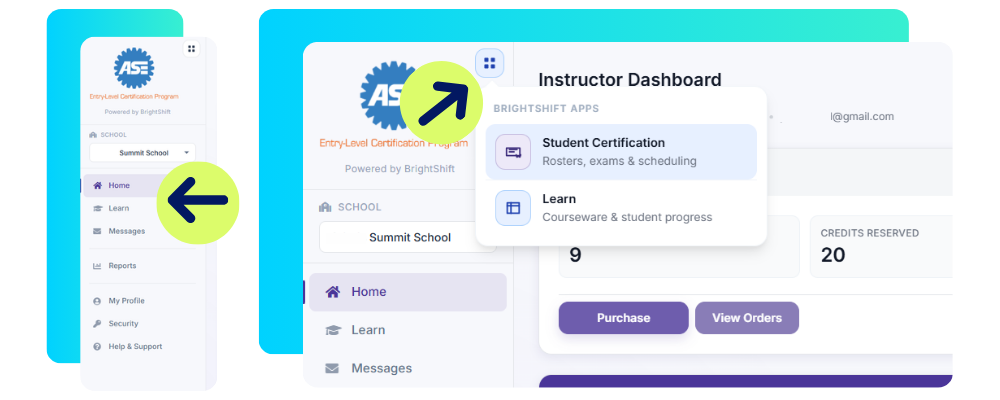
BrightShift is now organized as the BrightShift Suite. The Suite brings trainings, courses, and certifications together in one place, giving students a well-rounded foundation to build their careers on. As the Suite grows, we will continue adding new offerings that help students in CTE programs prepare for careers after graduation.
The New Learn Module
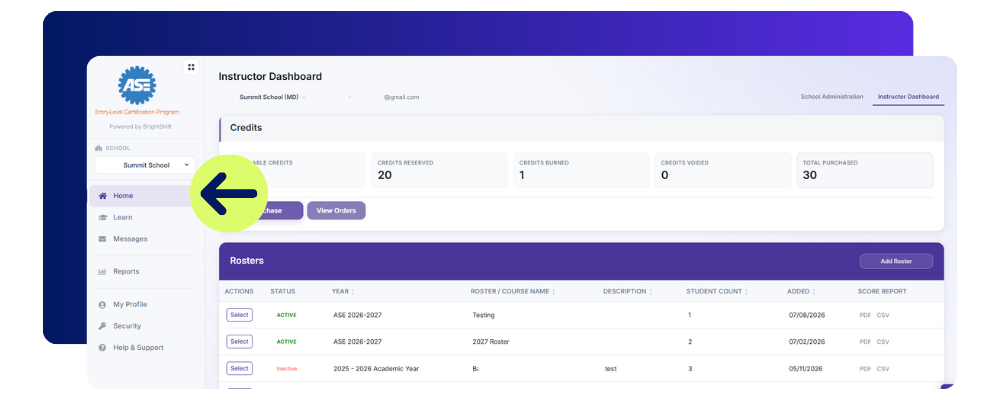
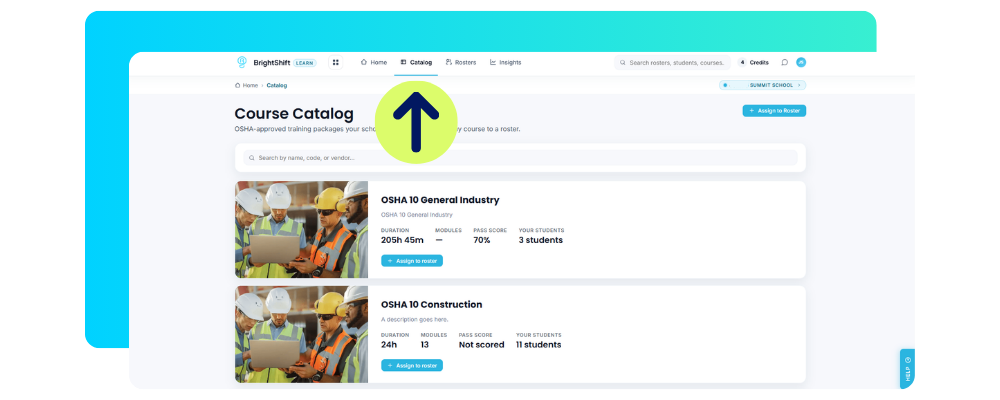
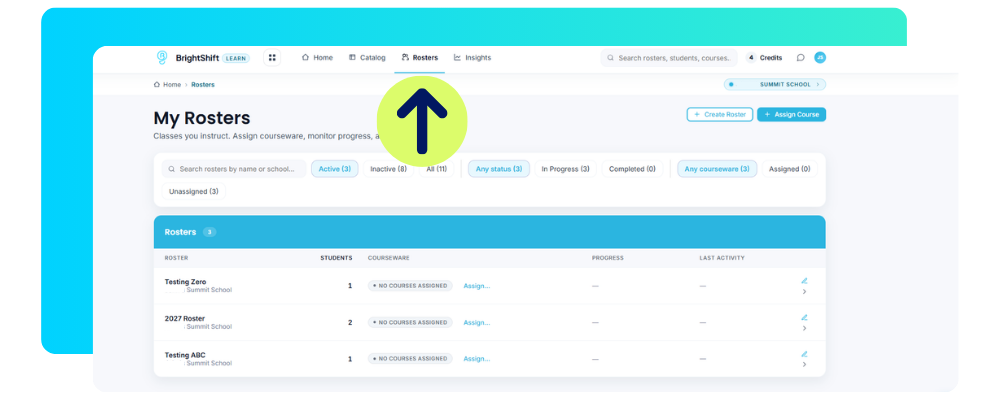
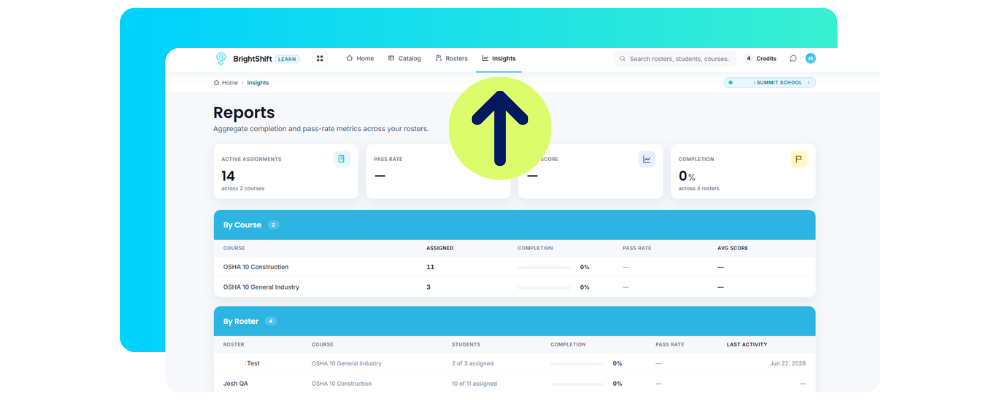
Learn is a new addition to the BrightShift Suite where trainings and courses live, including OSHA 10 training. Within Learn, instructors can assign courses to a class or roster, review roster insights, and track student progress from start to finish. Instructors can also purchase OSHA 10 credits directly from the Learn home page or while setting up a roster.
ASE Entry-Level certification testing lives separately in the Student Certification module.
Messaging
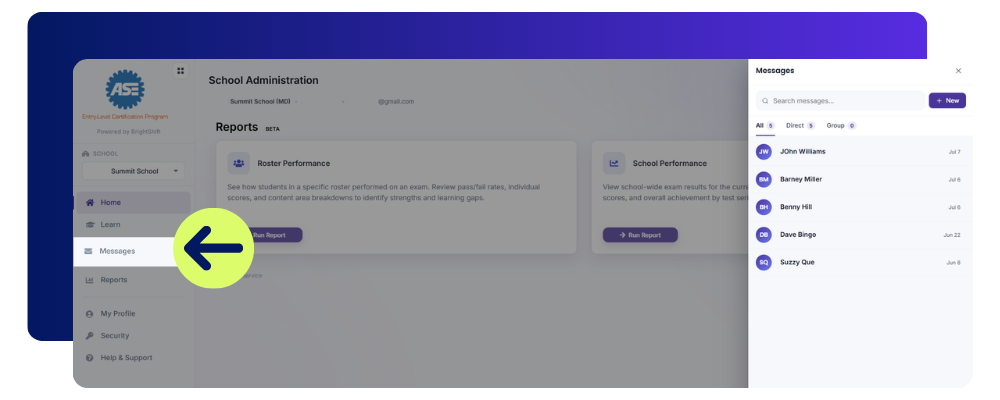
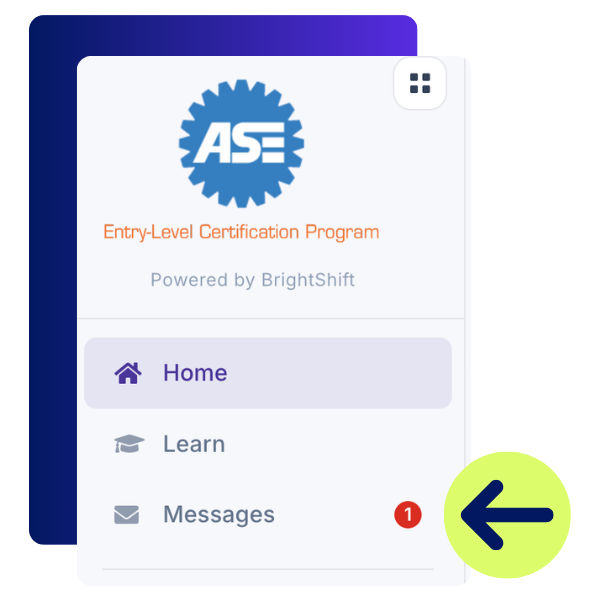
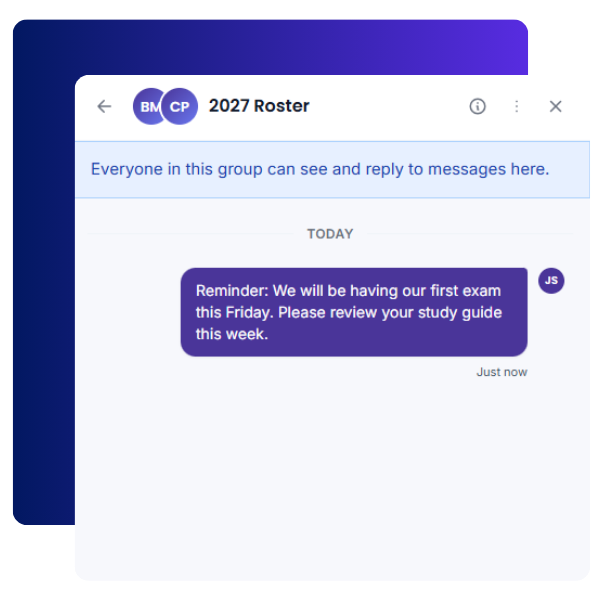
Instructors can now message students directly within BrightShift. Open the Messaging tool from the dashboard, or from within Learn, to start a conversation with an individual student or an entire roster.
Instructors can message one student or a full class at once, for reminders, announcements, upcoming test dates, and more.
Students receive a dashboard alert when they get a new message and can reply directly.
Students cannot message other students or start a message with an instructor.
Instructors receive a dashboard alert whenever a student replies.
Achievements
Instructors can now recognize student achievements right inside BrightShift. From your roster, select a student, choose an existing achievement or create a new one with a custom title, description, and icon, and assign it. A few examples of achievements you could create:
Student of the Month
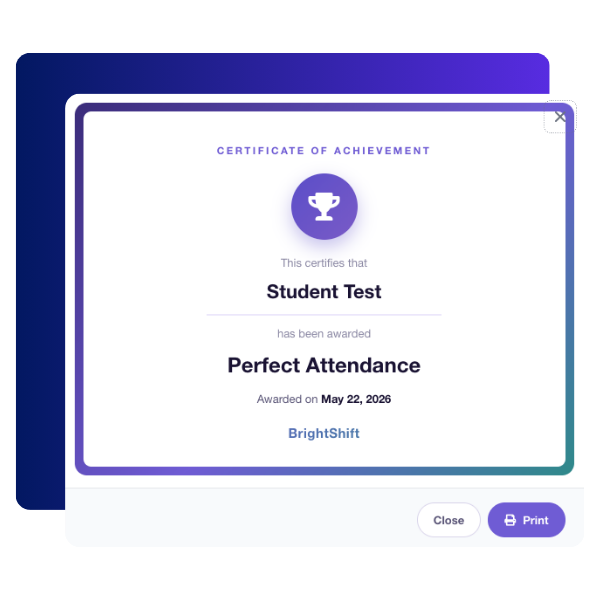
Perfect Attendance
Most Improved
Teamwork Award
Peer Mentor Award
Students can view every achievement they have earned from the Awards tab on their dashboard, and print a certificate for any achievement they receive.
Proctor Testing Visibility
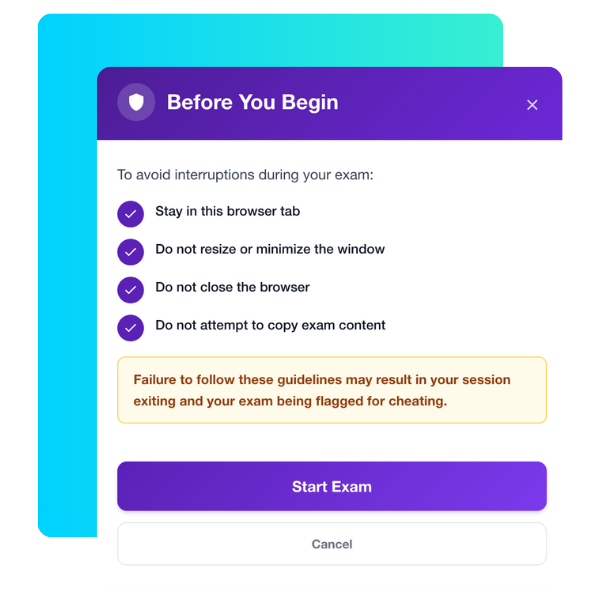
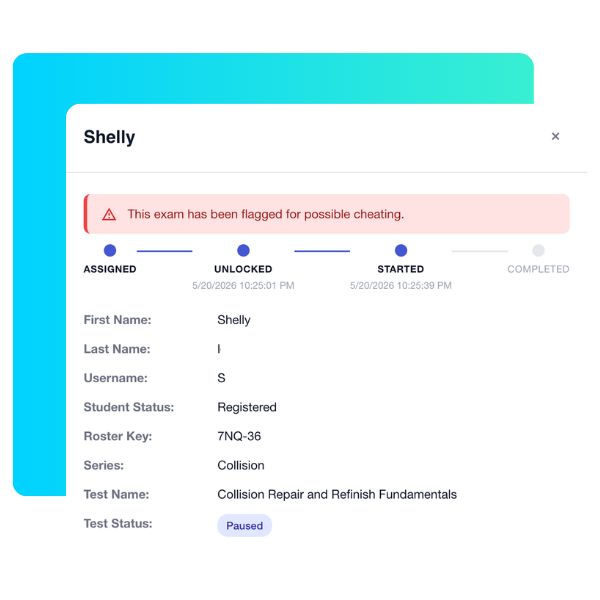
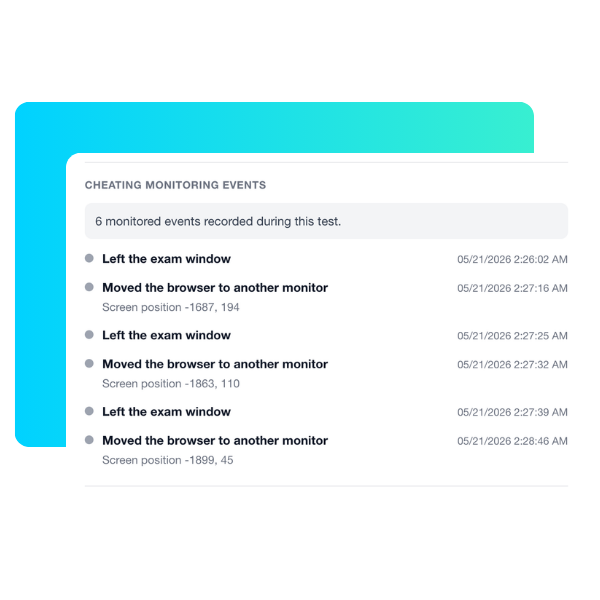
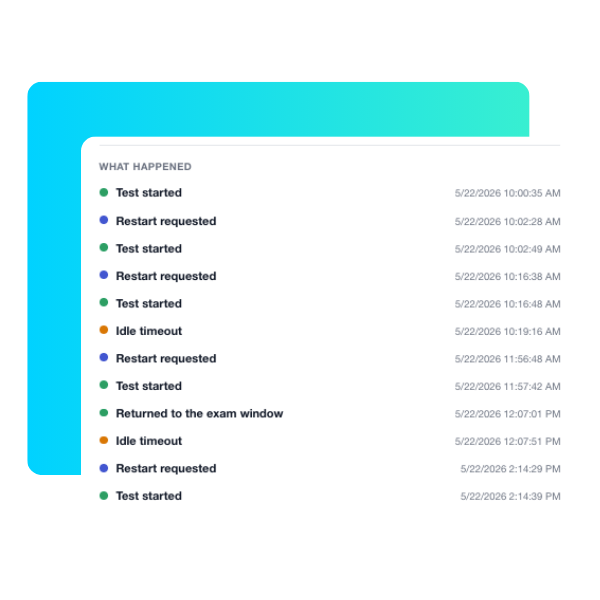
Proctors now have more visibility into what happens during a test session. If a student’s activity triggers the system’s integrity monitor, their test pauses automatically and the student is returned to the login screen until a proctor resumes it.
From the roster, proctors can click a flagged student’s name to see test and student details, a summary of what triggered the flag, and a timeline of the session. This gives proctors what they need to quickly review the situation and get the student back to testing.
Text-to-Speech Screen Reader Support
BrightShift now works with several free text-to-speech screen readers, so teachers and students can choose the accommodation that fits their setup.
NVDA, best for Windows users
Apple VoiceOver, best for Mac users
ChromeVox, built in for Chromebook users
Microsoft Narrator, a second option for Windows users