A secure, CTE testing and training platform for Schools
BrightShift is designed so educators can easily deliver certification testing and career readiness training, manage rosters, and report on student progress in one place. Our platform is browser-based, protects student data by design, and keeps administration and reporting simple.
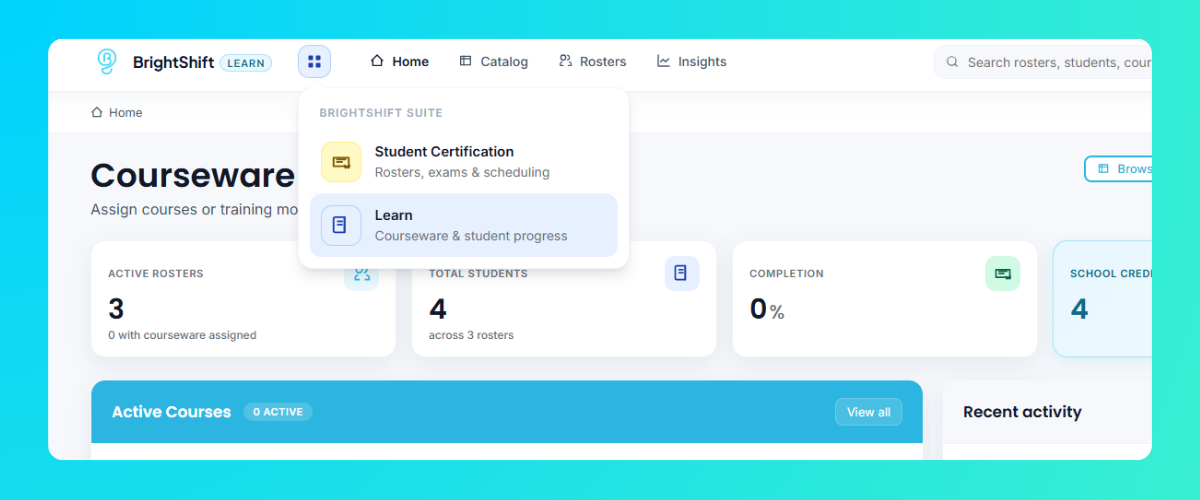
The BrightShift Suite is the heart of our career readiness platform, bringing certification testing and training together under one login. Instructors create one roster, and that same roster works in both Student Certification and Learn, so students never need to be re-entered to assign a new test or training. The four-dot menu at the top of any page moves between modules.
Student Certification
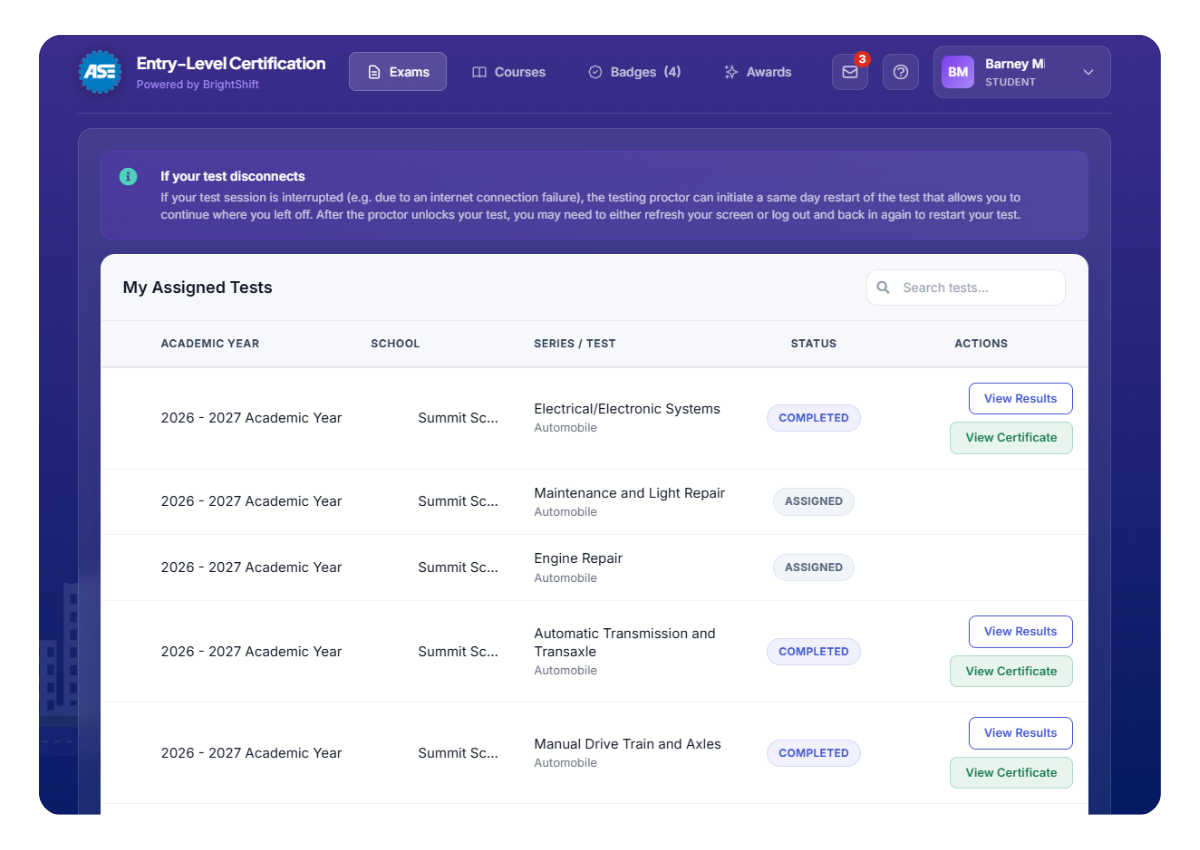
Certification testing lives here, including ASE Entry-Level certification tests across all three pathways. A cleaner, simplified layout helps instructors, proctors, and administrators get to the right tools quickly.
Assign and unlock certification tests by roster
Proctor test sessions with integrity monitoring
Run roster and school performance reports
Learn
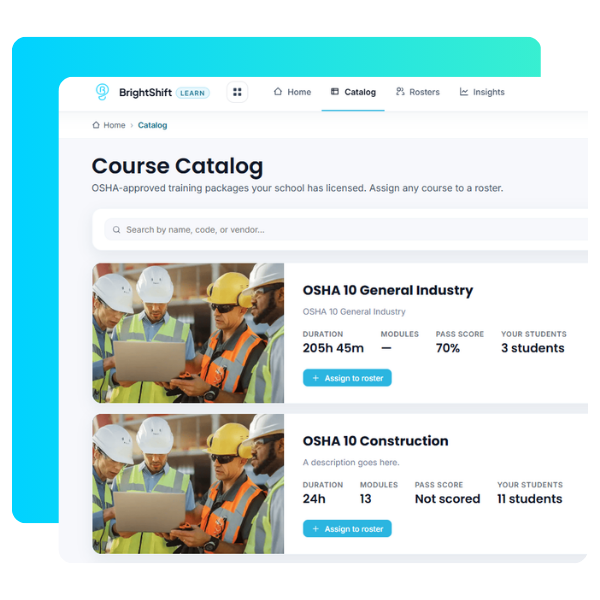
Learn is where trainings and courses live, including OSHA 10 General Industry and OSHA 10 Construction in English and Spanish. Instructors browse the catalog, assign a course to a roster, and follow student progress from start to finish.
Browse the course catalog and assign courses
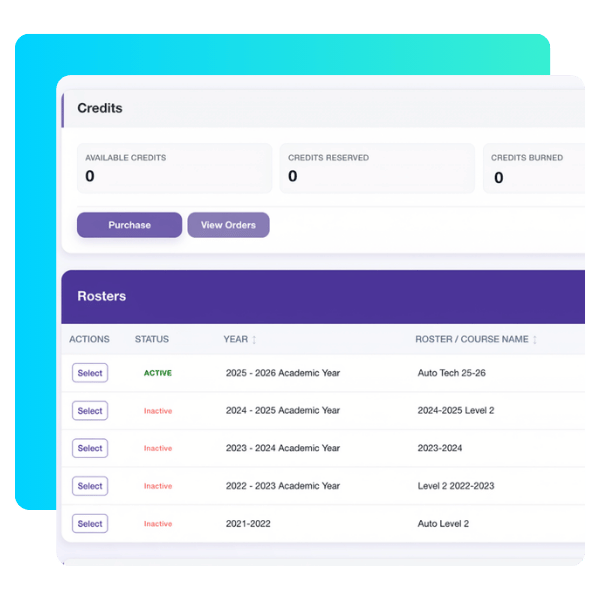
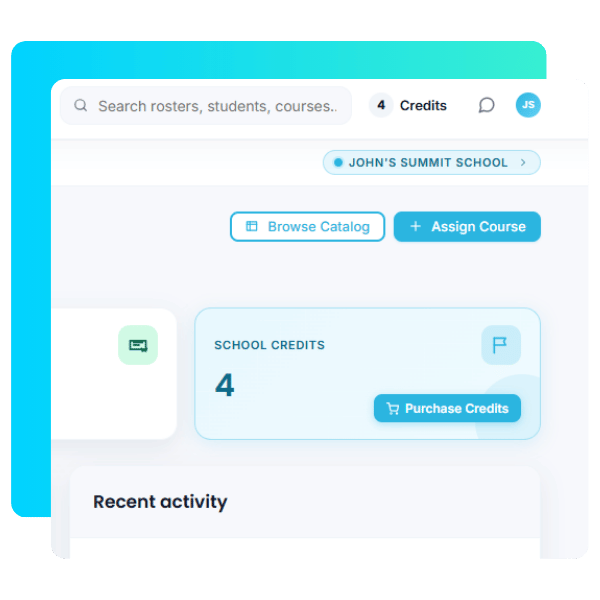
Purchase credits by card or purchase order
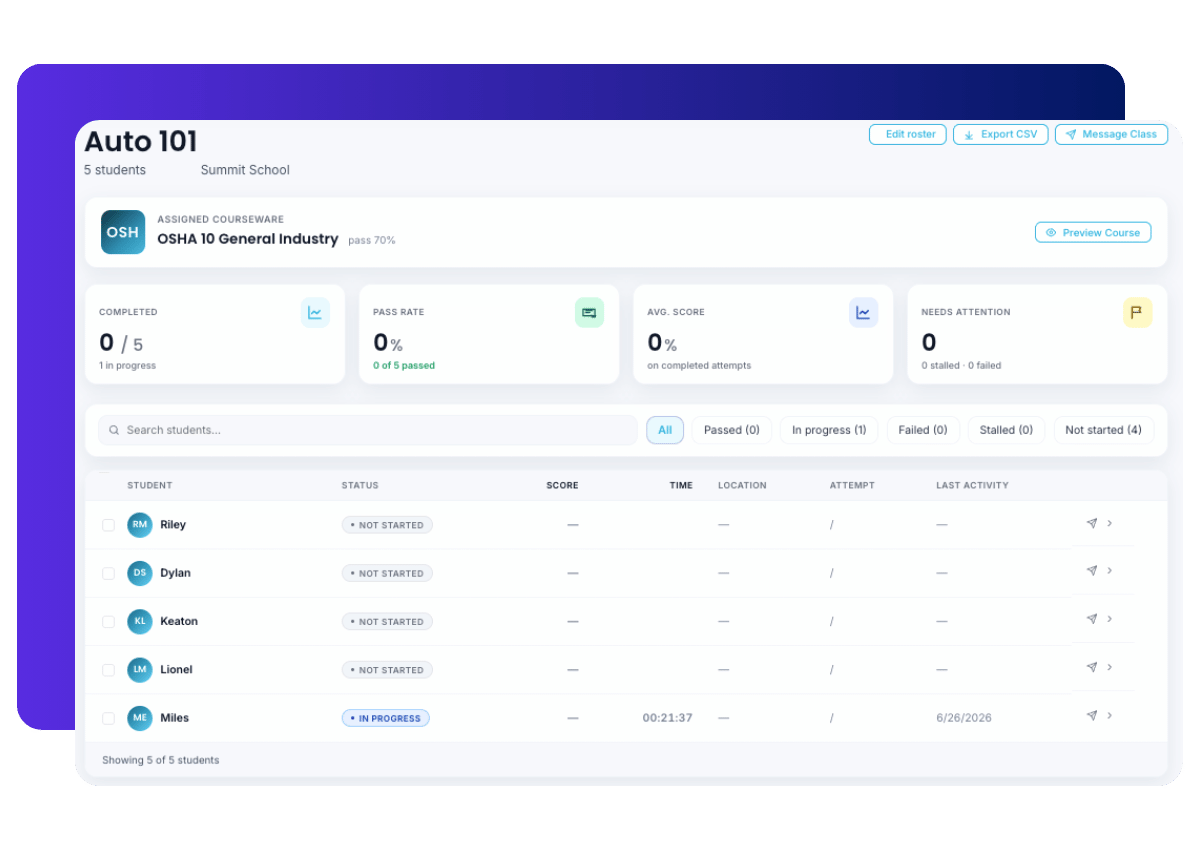
Track class progress with Insights Feature
DASHBOARD VIEWS
A dashboard for every role
Each person who uses BrightShift sees the tools that match their role, so no one has to dig through settings that do not apply to them. Every role also has its own dashboard in Student Certification and in Learn.
School Administrator and Supervisor
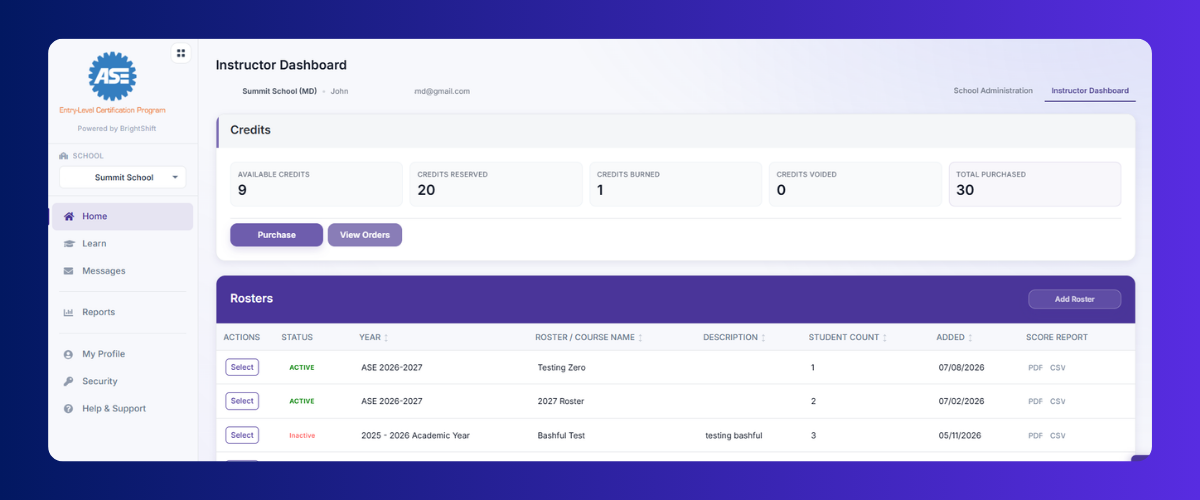
Assign roles, assist instructors, purchase credits, run school-level reports, and print certificates.
Instructor
Purchase credits, manage student lists, create rosters, assign tests, view scores, run roster and student reports, and print certificates.
Proctor
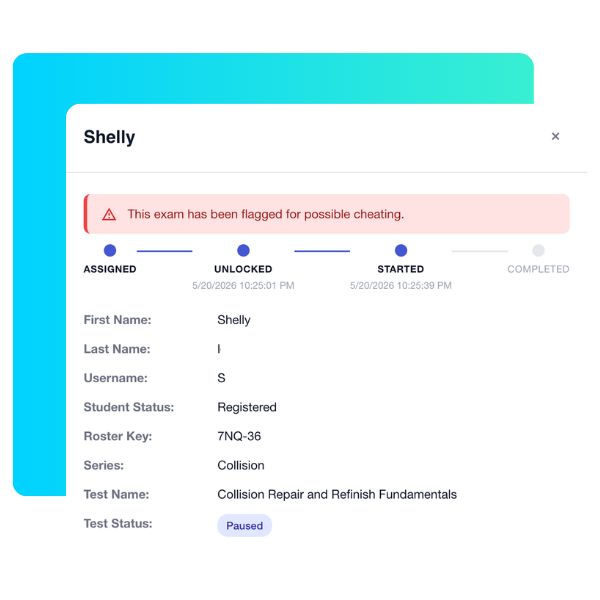
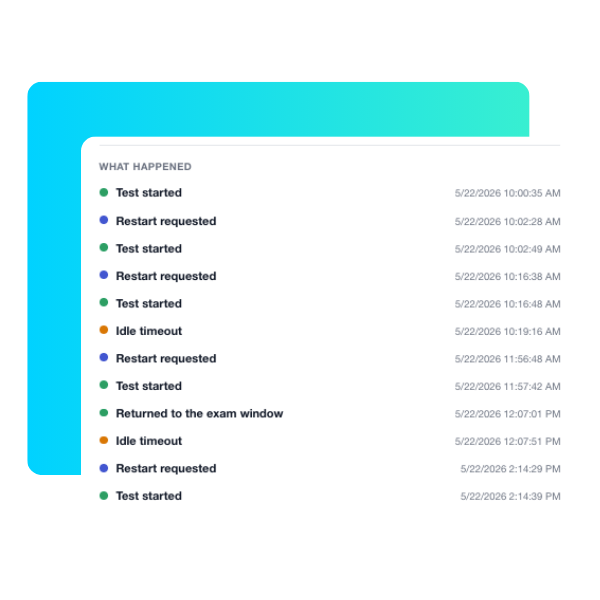
Manage testing sessions, follow each student from test unlock to finish, and review integrity alerts.
Student
Take tests, view scores, and print certificates.
Reports and Insights
Reporting that keeps up with every deadline
Educators can pull the numbers needed for advisory boards, program reviews, and funding reports without building spreadsheets by hand. Every report downloads as a PDF.
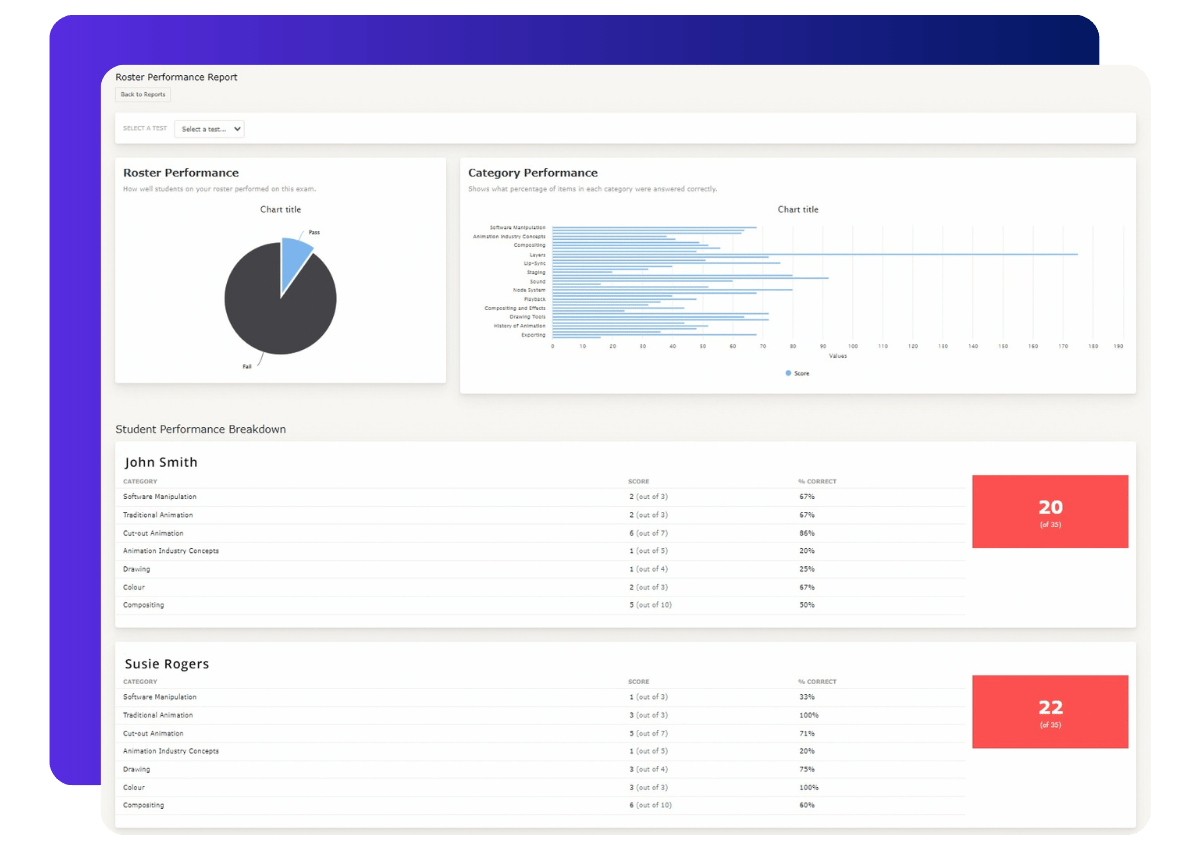
Shows how each student on a roster performs, making it clear who is ready to test and who needs more support.
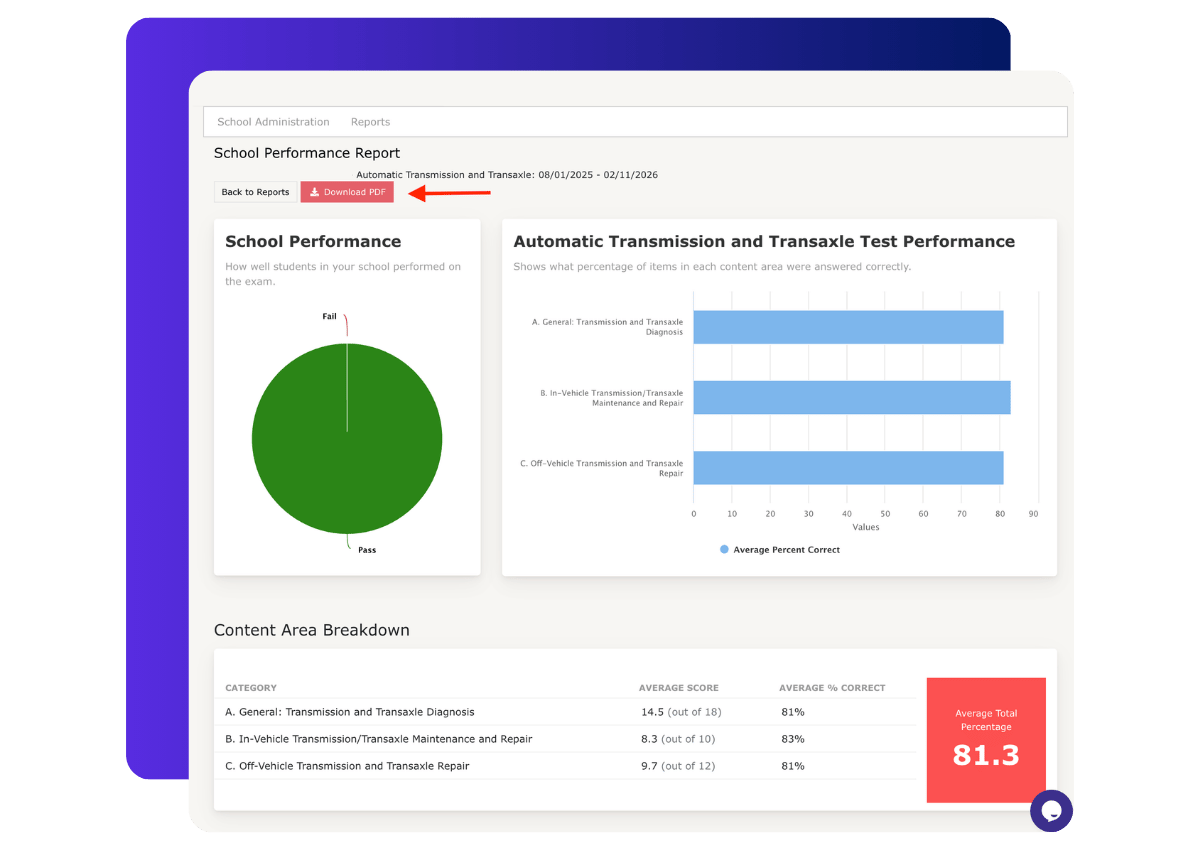
Shows results across every roster in a school for a clear picture of how the whole program is performing. Administrators can export it for the entire school, ready to use when reporting data to the county or state for funding.
Insights provides a high-level overview of class progress in Learn. Instructors start with the big picture, then click into any area for a more detailed, student-level view.
Messaging
Reach students without leaving BrightShift
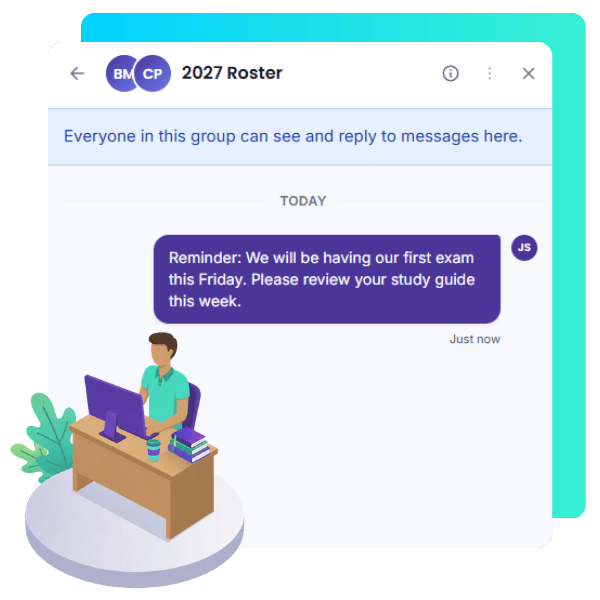
From the Messages tab, instructors can message a whole class at once or reach one student individually, whether for test reminders, schedule updates, or a quick note of encouragement. Messaging works the same way in Student Certification and in Learn.
Message a full class or a single student
Students receive a notification inside the platform
Students can reply to their instructor, but they cannot start new conversations or message other students
Achievements
Recognize the work students put in
Instructors create custom achievements with their own award name and a choice of icon, then assign them to students on a roster. Students view every award they have earned from the Awards tab on their dashboard, and each achievement can be printed as a certificate.
Example Achievements:
Student of the Month
Perfect Attendance
Most Improved
Top Test Score
Credits and Purchasing
Purchase credits right inside the platform
Schools with an account can buy credits for certification tests, trainings, and courses whenever a program needs them. Credits can be purchased from the Credits tab or while assigning a course to a roster, with payment by credit card or purchase order.
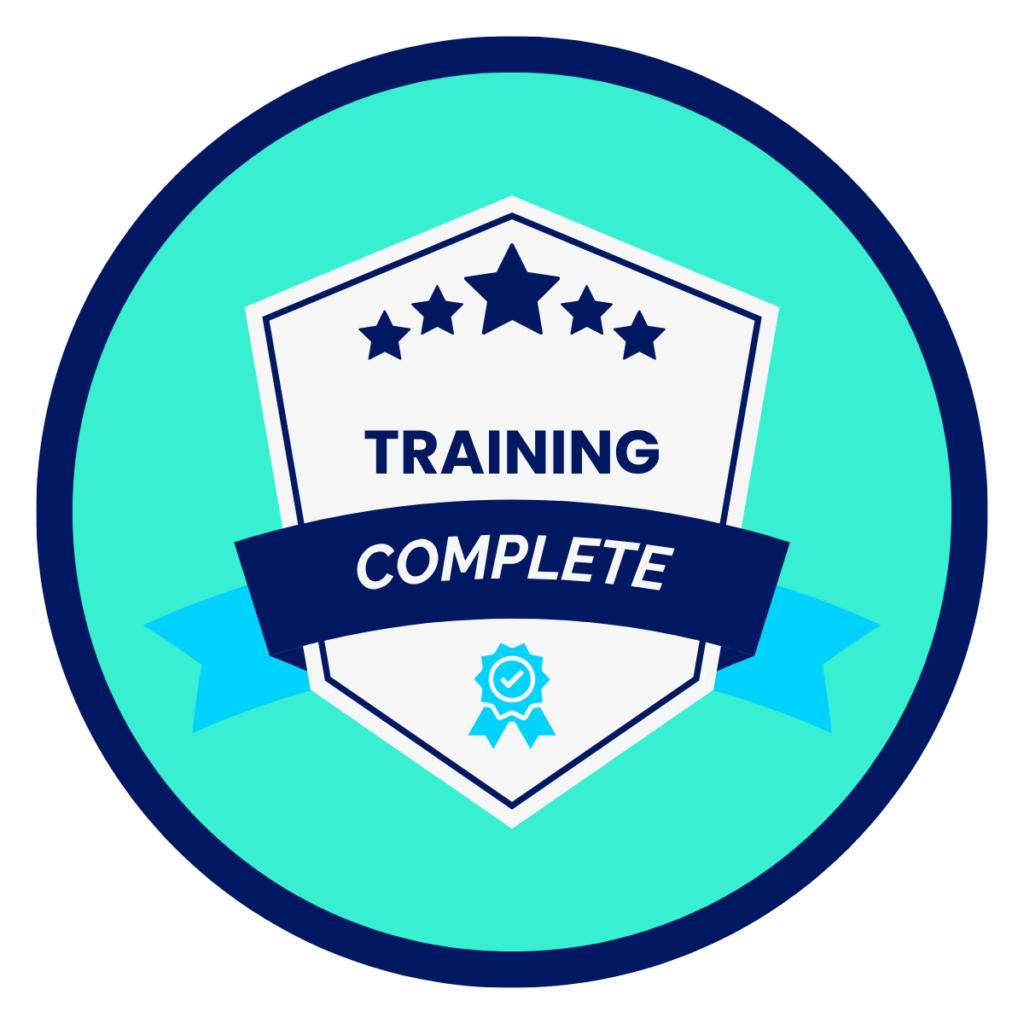
Students earn a digital badge when they complete an industry-recognized credential on BrightShift. Badges give students a shareable record of what they have achieved and give instructors a simple way to track completion across a roster.
integrity monitor
Secure testing built into every session
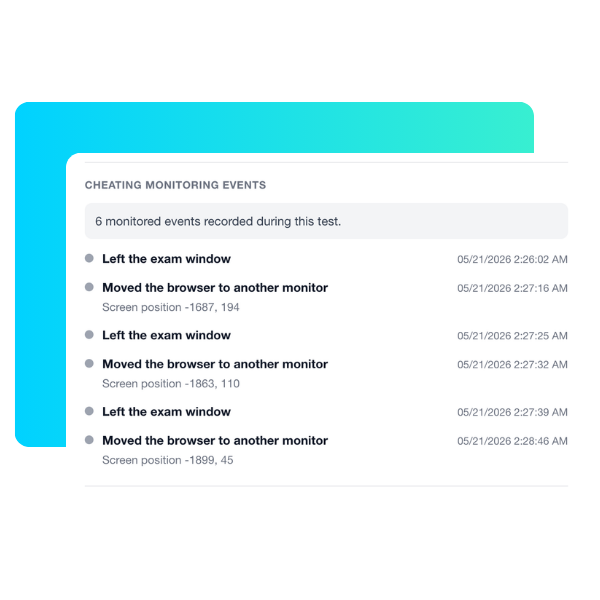
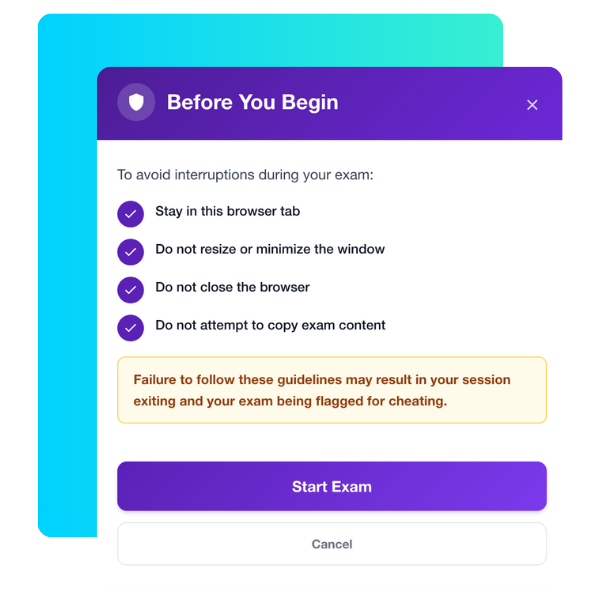
Secure testing starts with our integrity monitor, which actively watches each test session so results reflect what students actually know. When it detects suspicious activity, the test pauses, the student returns to the login screen, and the proctor reviews the session before the test resumes.
Leaving the test
Flags students who navigate away from the test window.
Browser extensions
Detects attempts to use browser extensions during a test.
AI tools
Watches for students trying to use AI while testing.
Window resizing
Catches students resizing the test to work in another window.
Accessibility
Accessible for Your student
BrightShift is designed so every student has a fair chance to show what they know. Our platform is compliant with the Individuals with Disabilities Education Act (IDEA), and our keyboard features meet Section 508 requirements as documented in our VPAT.
BrightShift works with free text-to-speech screen readers, so students and teachers can choose the accommodation that fits their device.
NVDA
Best for Windows users
ChromeVox
Built in for Chromebook users
Apple VoiceOver
Best for Mac users
Microsoft Narrator
A second option for Windows users
Accommodations for ASE certification tests
ASE certification tests can be customized for students who require accommodations, such as extended time or screen-reader accessibility.
Support and Resources
Support for teachers and administrators
Teachers and administrators always have somewhere to turn, with resources videos, user guides, and support articles available for quick assistance.
Protecting student information is part of how BrightShift operates. BrightShift supports seamless single sign-on (SSO) integration for schools using Clever or ClassLink, along with Canvas LTI integration, so students reach their programs without extra logins. BrightShift makes every effort to protect confidential school, teacher, and student data and does not use student data for marketing, in accordance with SOC 2, A4L, COPPA, and FERPA. Our career readiness platform is carefully designed to keep student data secure and private.
Family Educational Rights and Privacy Act (FERPA) Compliant
Systems and Organization Controls (SOC 2) compliant
Ready to get started?
Bring industry-recognized credentials to your students this school year. Purchase a program directly, or talk with a representative about the right fit for your school or district.